

Full Range of Customer Queue Management Functions:
- Print out the Queue https://5dragonspokies.com/ Number paper ticket
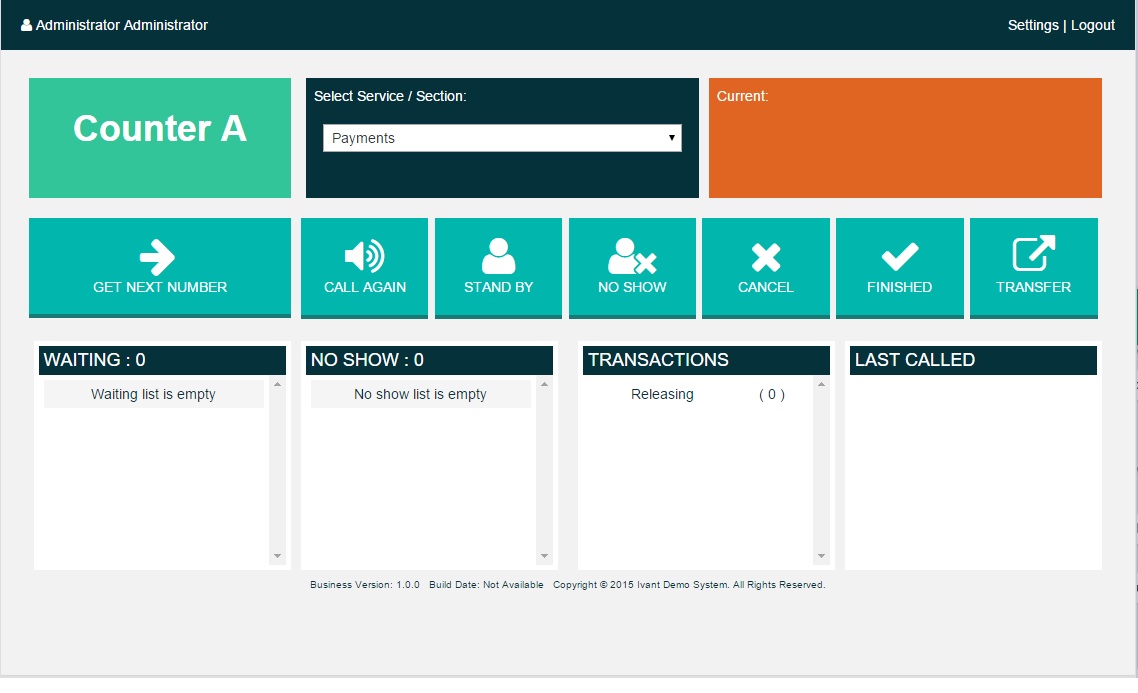
- Teller Staff can call https://dragonia1.be/ the Next Ticket, Call Again, Cancel, Transfer, etc.
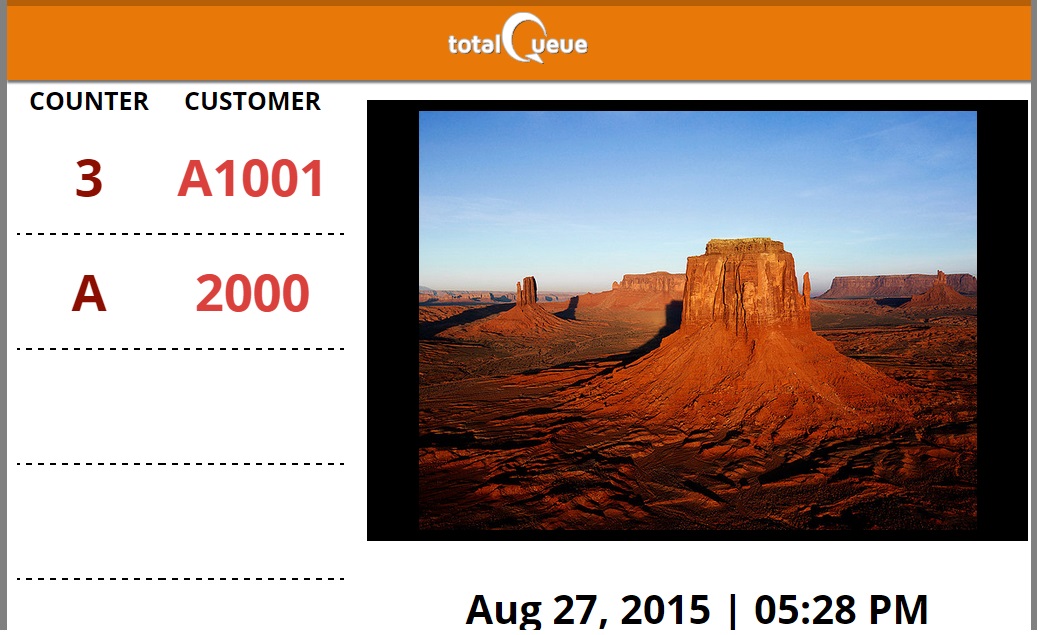
- TV Display Screen shows the currently called number
- TV Display Screen can show video / image slideshow aside from the called Queue Tickets Numbers
- Admin accounts can create System and Statistical Reports from the various Queue System data.
- Paper Ticket parameters can be configured

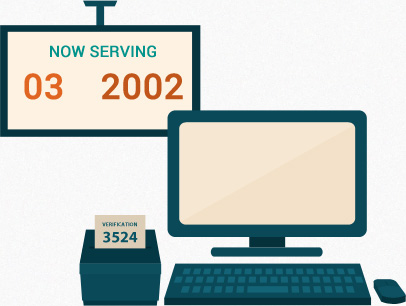
Uses Standard PC and other hardware Equipment:
- The SuoQueue software runs on any regular PC, preferably Dual Core with 4GB RAM or higher, with Windows Operating System XP or newer version.
- The PC that runs the SuoQueue software must have an HDMI output to connect to the LED TV, so that the Call Next Ticket audio can be broad cast from the LED TV.
- Any LED TV with standard HD resolutions and HDMI input.
- Ticket Printer can be any regular POS Printer, typically EPSON TM-T88V POS, STAR TSP650II, OK OKIPOS 407ii, etc.
Anyone looking for excitement and a fair gaming experience should feel right at home at https://rubyreelscasinoau.com. Players can share selected promotions via social media and unlock bonuses in this way. The support section contains detailed explanations of KYC and verification procedures. The payout rates of the games are regularly published and can be verified. Side bets expand the strategic options at classic tables. The platform also supports prepaid solutions such as ecoVoucher and Neosurf. The VIP tiers differ in cashback percentages, withdrawal limits and exclusive bonuses. The homepage highlights current promotions and popular games in a clear way. Game recommendations are individually put together based on the existing player history. The mobile cashier is just as clear and orderly as the desktop version. The casino proves that modern gambling platforms can offer more than just slot machines.
Web-Bowser Based:
- The software readily works with any Teller PC, since there will be no software installation needed, with only minimal configuration settings.


Uses Standard PC and other hardware Equipment:
- System configuration, system look and feel can be set by the Admin account.
- Reports for Users, Services, and Sections, based on given date and time.
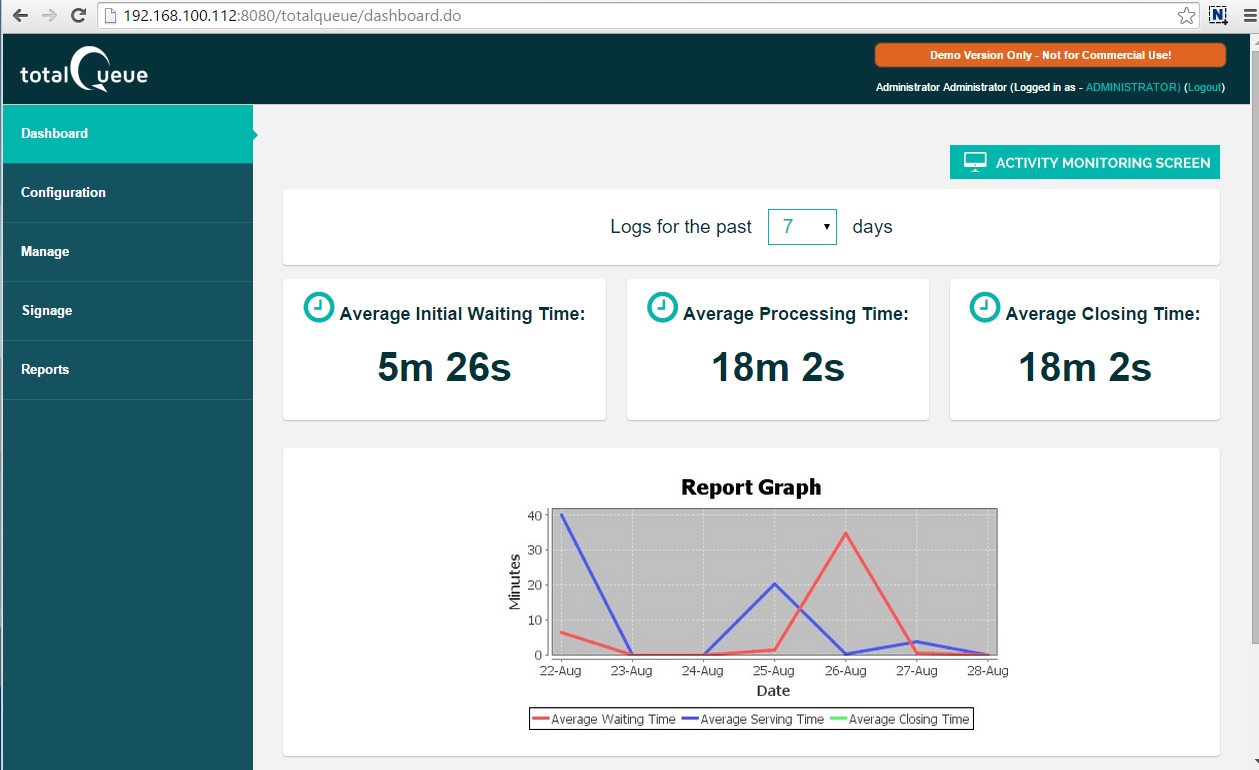
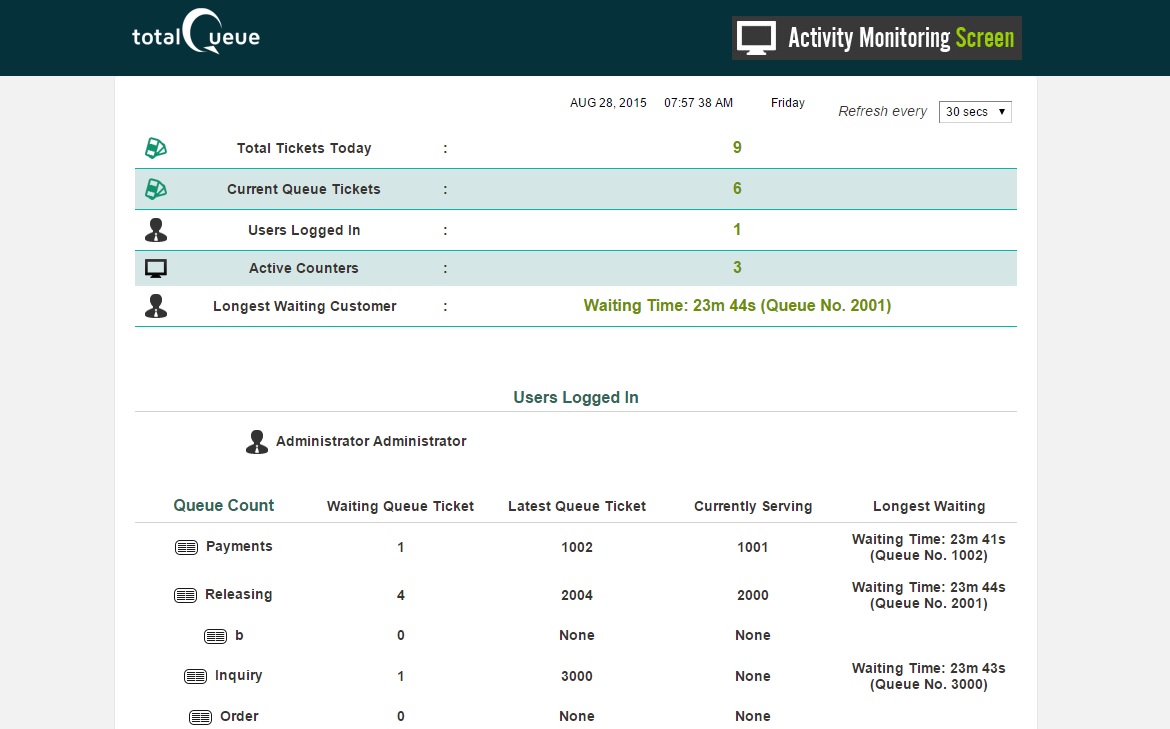
- Real time monitoring of the Queue process by the Admin account
- Graphical reports on Queue System statistics for Users, Services, and Sections, based on given date and time.
*Please note not all features might be available for the Basic Version and the Standard Version.
*For Business Version only, we can add extra Client/Teller Access License at US$ 150.00 each. We will need to generate a custom set of license key and passcode.







 info@suoqueue.com
